

Description
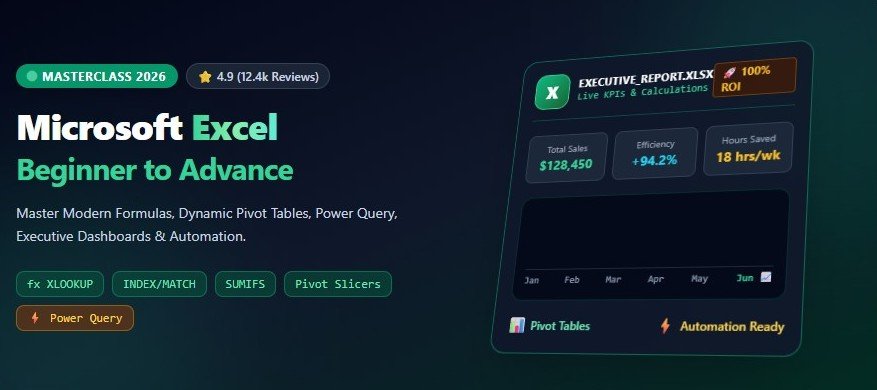
🔥 Microsoft Excel Full Course: Beginner to Advance (The Complete Masterclass)!
Excel is the backbone of the corporate and business world. Whether you are an accountant, marketer, data analyst, project manager, or business owner, mastering Excel is the single fastest way to 10x your productivity and earn promotions.
This comprehensive course takes you from opening your first workbook to building automated, interactive executive dashboards that impress managers and clients.
━━━━━━━━━━━━━━━━━━━━━━━━━━━━━━━━━━━━━━━━━━
⏱️ TIMESTAMPS & COURSE SYLLABUS
━━━━━━━━━━━━━━━━━━━━━━━━━━━━━━━━━━━━━━━━━━
• Module 1: Excel Essentials & Interface Mastery
– Ribbon, Quick Access Toolbar, Worksheets, and Navigation Shortcuts
– Data Entry, AutoFill, Flash Fill, and Custom Number Formatting
– Freeze Panes, Sorting, and Multi-Level Filtering
• Module 2: The Core Formula Toolkit
– Cell Referencing: Relative ($A1), Absolute ($A$1), and Mixed references
– Arithmetic & Statistical: SUM, AVERAGE, COUNT, COUNTA, COUNTBLANK, ROUND
– Logical Functions: IF, AND, OR, Nested IFs, and IFS
• Module 3: Advanced Modern Lookup & Reference Functions
– The Classic VLOOKUP & HLOOKUP (and their limitations)
– The Modern King: XLOOKUP (Exact match, wildcard, two-way lookups)
– The Flexible Combo: INDEX and MATCH
– Conditional Calculations: SUMIFS, COUNTIFS, AVERAGEIFS
• Module 4: Data Visualization & Conditional Formatting
– Color Scales, Data Bars, Icon Sets, and Custom Rule Formatting
– Chart Types: Column, Bar, Line, Combo, Waterfall, and Donut Charts
– Designing clean, publication-ready visual charts
• Module 5: Pivot Tables & Slicers (Instant Data Analysis)
– Summarizing thousands of rows in 3 clicks
– Grouping by Dates, Numbers, and Custom Categories
– Calculated Fields & Items
– Adding Interactive Slicers and Timelines
• Module 6: Power Query (Automate Data Cleaning)
– Importing data from multiple CSVs, Excels, and Folders
– Unpivoting columns, splitting text, and merging datasets
– “Set and Forget” data transformation pipelines
• Module 7: Executive Dashboards & Automation (Macros/VBA)
– Structuring raw data, calculation sheets, and presentation layers
– Building dynamic KPI cards and interactive charts
– Recording your first Macro to automate repetitive daily tasks
━━━━━━━━━━━━━━━━━━━━━━━━━━━━━━━━━━━━━━━━━━
🎯 WHO IS THIS COURSE FOR?
━━━━━━━━━━━━━━━━━━━━━━━━━━━━━━━━━━━━━━━━━━
✔ Beginners who want to build rock-solid Excel confidence from scratch.
✔ Working professionals who spend hours manually copy-pasting and want to automate their day.
✔ Job seekers, accountants, financial analysts, and business operators.
👉 Like, Subscribe, and turn on notifications for more full-length workplace masterclasses!
#Excel #ExcelTutorial #LearnExcel #MicrosoftExcel #ExcelFormulas #PivotTable #DataAnalysis #WorkplaceProductivity